
Commercial collaboration: Reblum. This article contains a partner link.
The world of content creation and photography is evolving at an earth-shattering pace, and software shouldn't slow you down for a second. The new generation of AI tools promises the moon, but the end result is often plastic faces and lost details. When you're processing hundreds of wedding photos or studio portraits, manual skin retouching eats up vital work hours at the editing desk.
YouTube video player
YouTube content loads after you click.
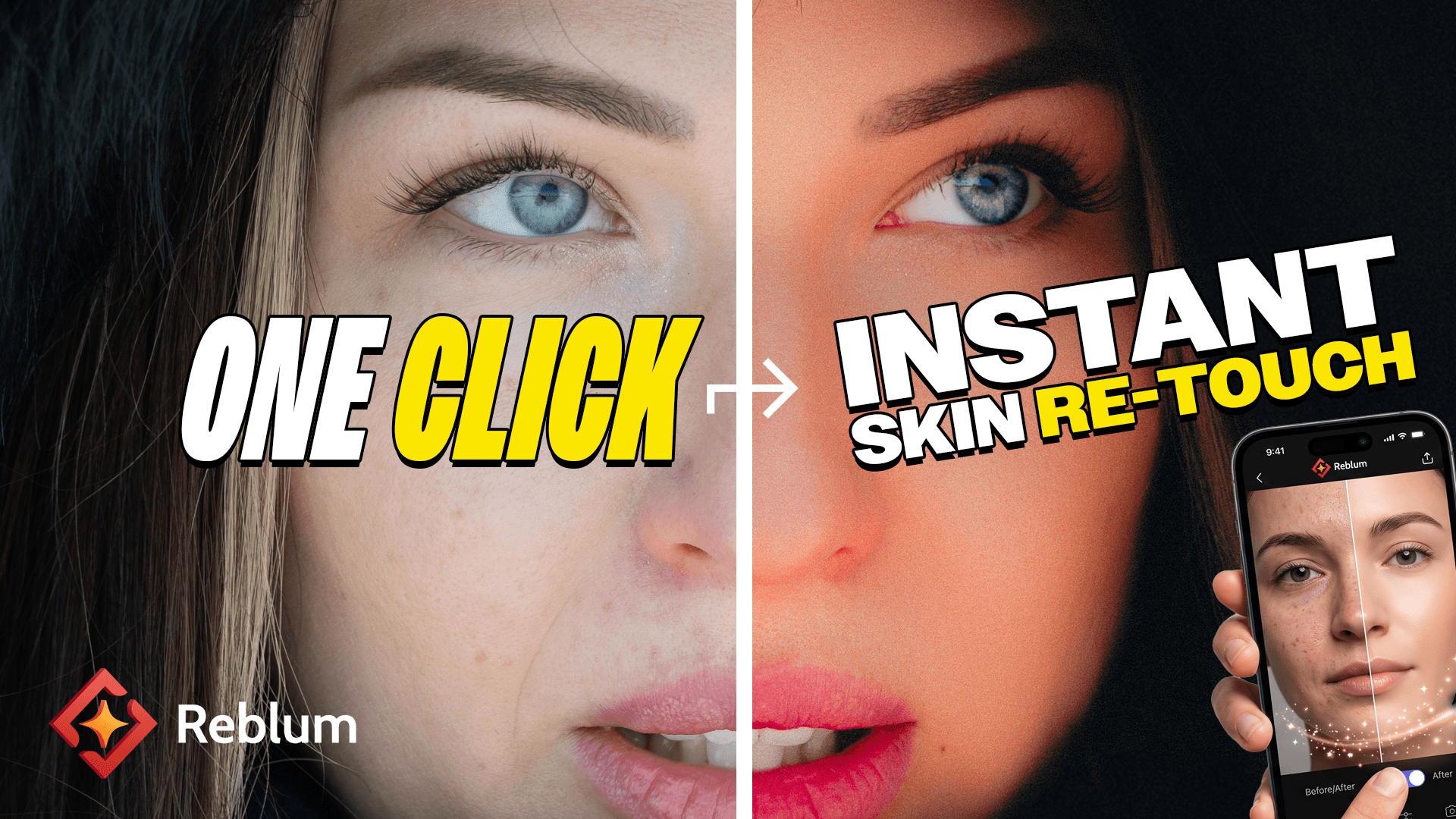
That's why I decided to test Reblum. It's not a complicated "Swiss Army knife" where skin retouching is just one among hundreds of tabs. It does exactly one thing, but it does it incredibly well: in-depth, professional-grade skin retouching.
Texture matters: From a plastic look back to realism
Simply removing blemishes doesn't tell the whole story. When sitting down for post-production, file sizes and workflow speed are truly put to the test. Preserving the skin's natural texture, pores, and above all, the subject's identity, is priority number one. Reblum removes distractions and evens out skin tone, but leaves the pores alone. The person still looks like themselves, which is critical in both wedding photography and corporate portraits.
Workflow realities in the field and in the studio
In fast-paced production, work cannot afford to stall due to slow processing or a spotty internet connection. When software is stripped of the unnecessary, everyday interfaces and reliability take center stage. This is where Reblum plays its real trump card: it works 100% locally on your computer (Mac & Windows).
This means two things. First, you don't need an internet connection. Second, and this is vital for professionals: your photos remain completely private. They are never sent to the cloud, nor are they used to train AI models. Additionally, the software integrates seamlessly into your existing workflow by functioning directly as a plugin in Photoshop, Lightroom Classic, and Capture One.
No hidden costs for the volume photographer
Many cloud-based AI editors penalize the user for every processed image. When operating in a "run and gun" style and handling hundreds of photos from a full wedding day or a large event, per-image pricing quickly destroys profit margins. Reblum offers unlimited exports. Whether it's a single portrait or a gallery of 5000 images, the price stays the same. Naturally, all heavier formats are supported, starting from 16-bit TIFF and RAW files, so there's no need to compromise on quality.
Another example: a cinematic autumn portrait look
In my second Reblum video, I explore a cinematic autumn portrait look with the Nikon ZR. It complements the skin retouching video above with another practical example.
Cinematic Autumn Portrait Look with Nikon ZR | Reblum
YouTube content loads after you click.
Watch on YouTube: Cinematic Autumn Portrait Look with Nikon ZR | Reblum
The verdict and trying Reblum
Ultimately, choosing between different software isn't just about what is best on paper, but what saves your most valuable resource: time. If you have a tighter budget and want an in-depth, natural end result without constant additional fees, Reblum is an incredible find at this price.
You can find the current price, trial terms and any available partner discount through my Reblum link. Check the applicable terms on Reblum’s website before purchasing.
Explore Reblum and check the current offer
The author is a Turku-based photographer, filmmaker, and versatile creative professional. His style is characterized by a strong cinematic look and narrative depth.