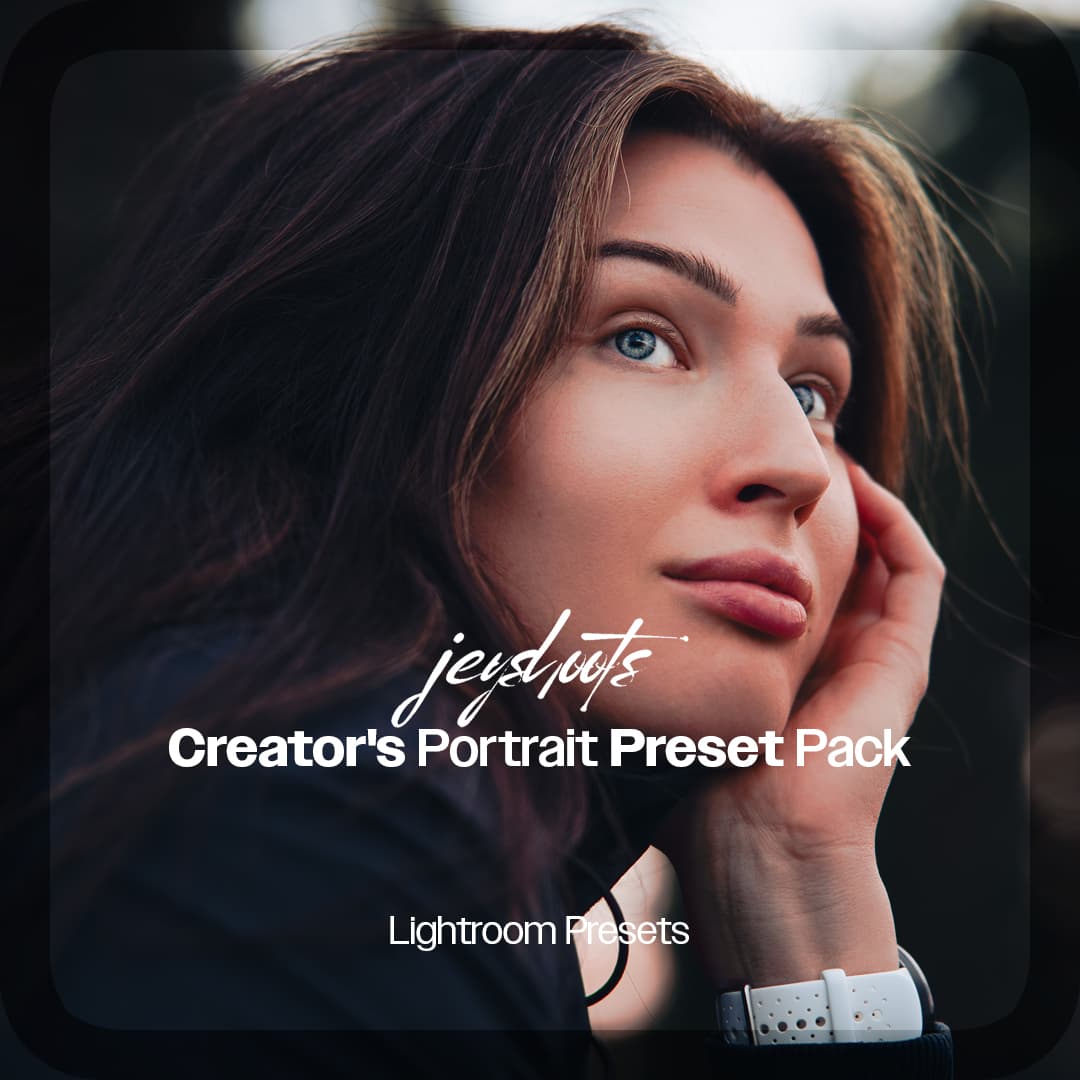
Jeyshoots Logo
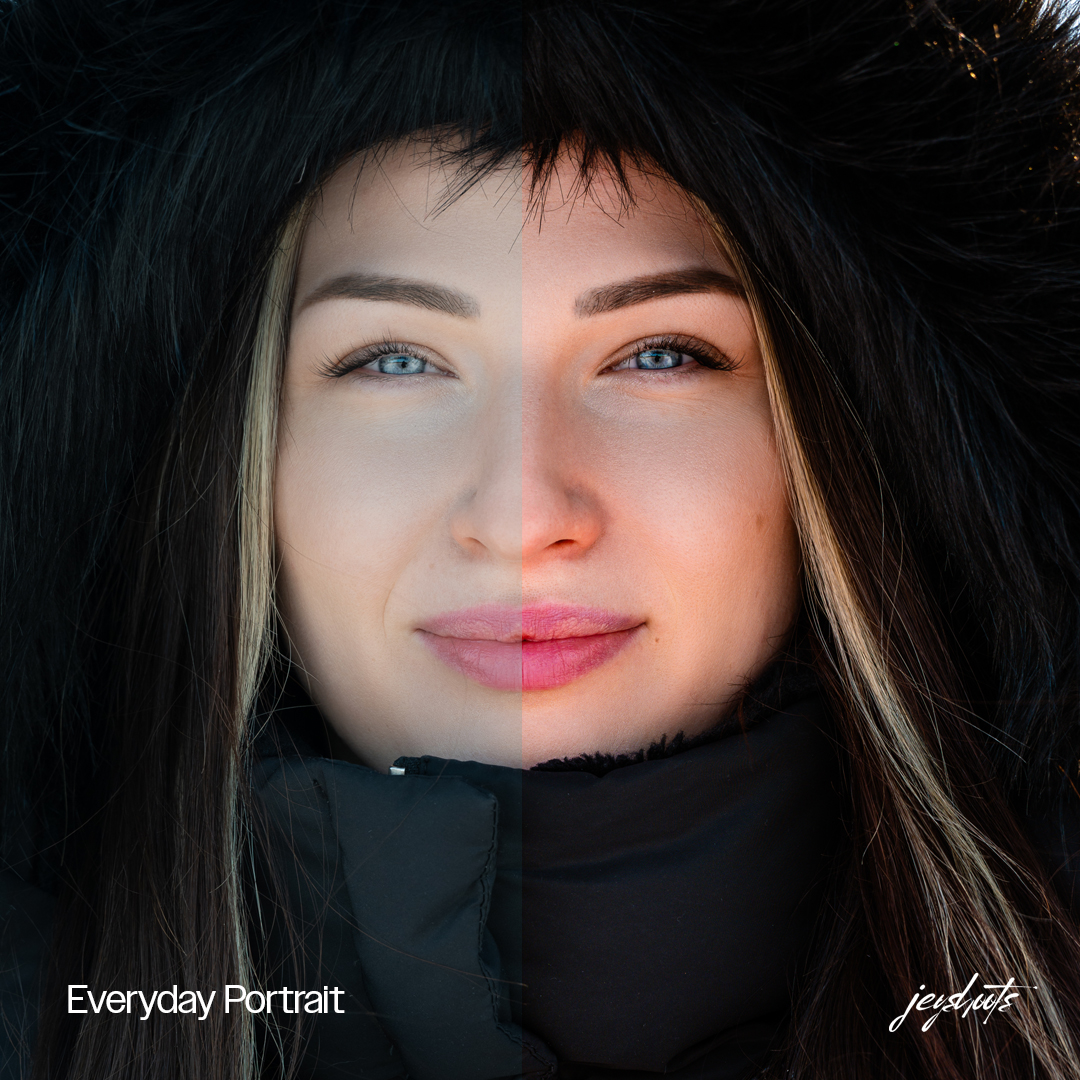
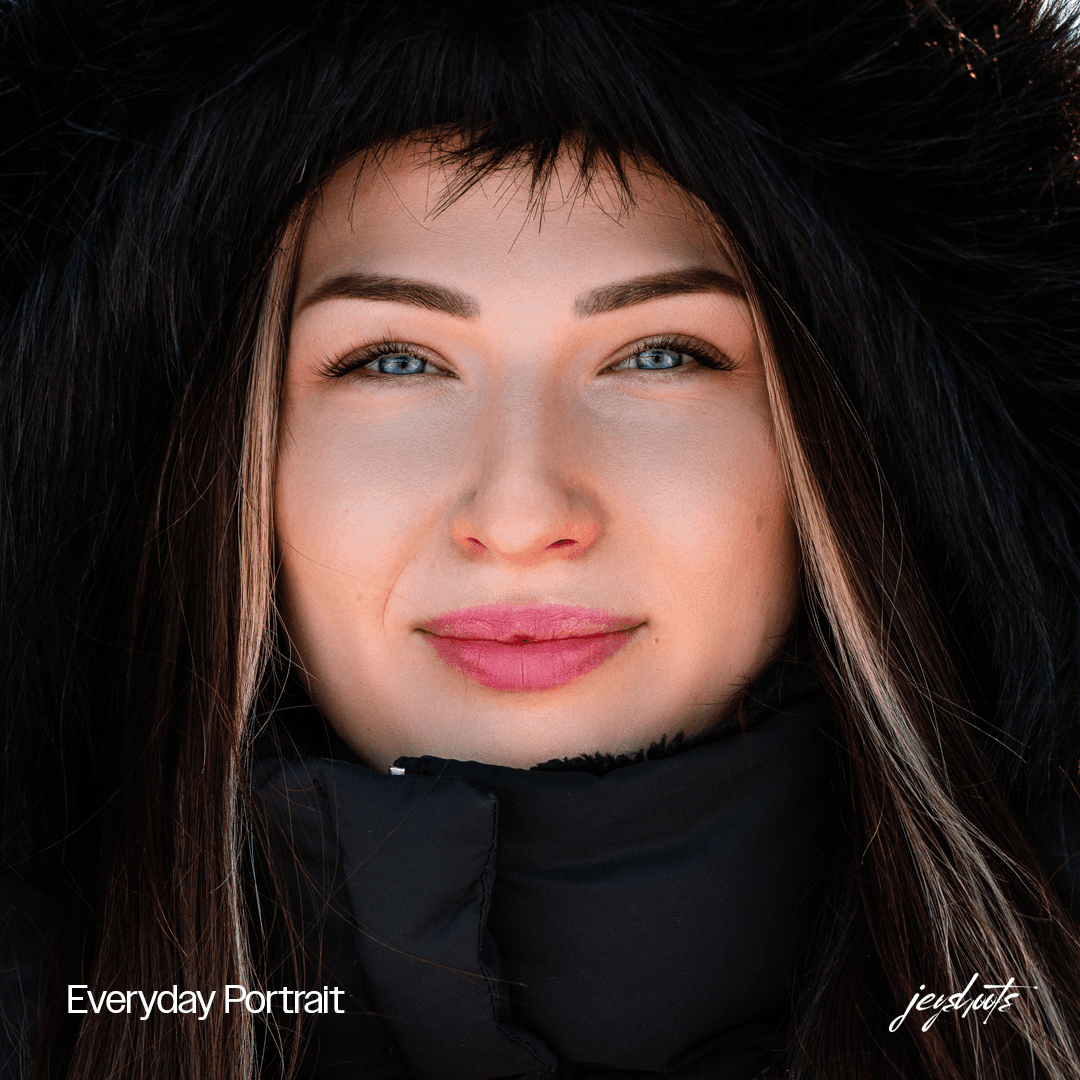
Close-up portrait of a woman in a black winter hood – Everyday Portrait, finished preset edit.

Jeyshoots / Digital tools

Your colour. Your story.

Presets and digital tools for a consistent visual style. Explore the looks, find your starting point and make the final edit your own.

Creator's Portrait Preset Pack (Lightroom Presets)

Lightroom Presets

Best seller

Creator's Portrait Preset Pack (Lightroom Presets)

Six Lightroom presets for refining the colour and mood of your portraits. The pack offers a consistent starting point for lifestyle, portrait, fashion, couples and wedding photography. Built for a smoother workflow and a cohesive visual style. Choose a look that suits your photograph, then fine-tune exposure and white balance for the scene.

  • 6 Lightroom presets for portrait editing
  • Lightroom on desktop and mobile
  • Digital download after purchase through Fourthwall
  • For lifestyle, portrait, fashion, couples and wedding photography

$10.99

Full product details and payment open in a new tab at the product’s store. For this preset pack, the store is Fourthwall. Check the final price and purchase terms there.
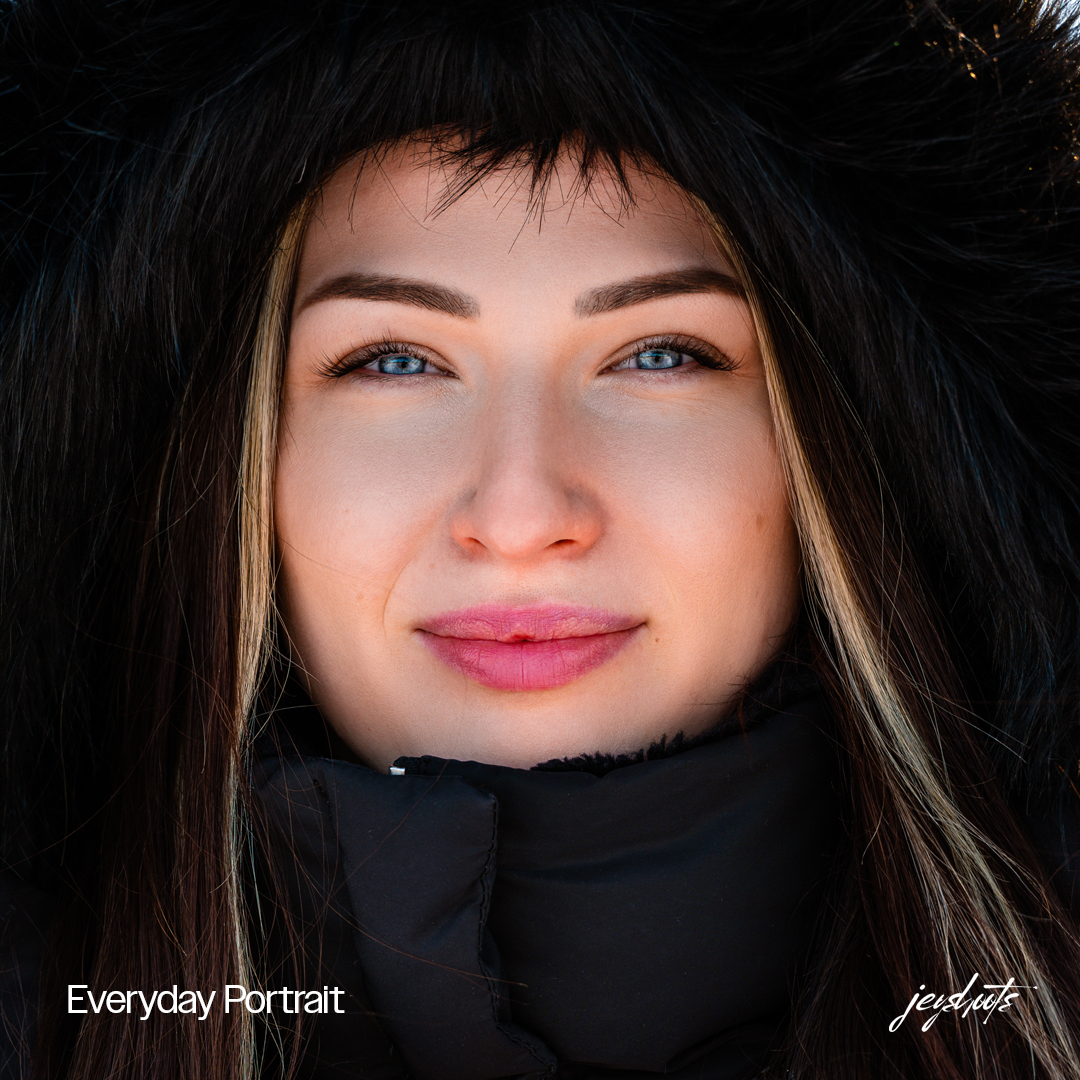
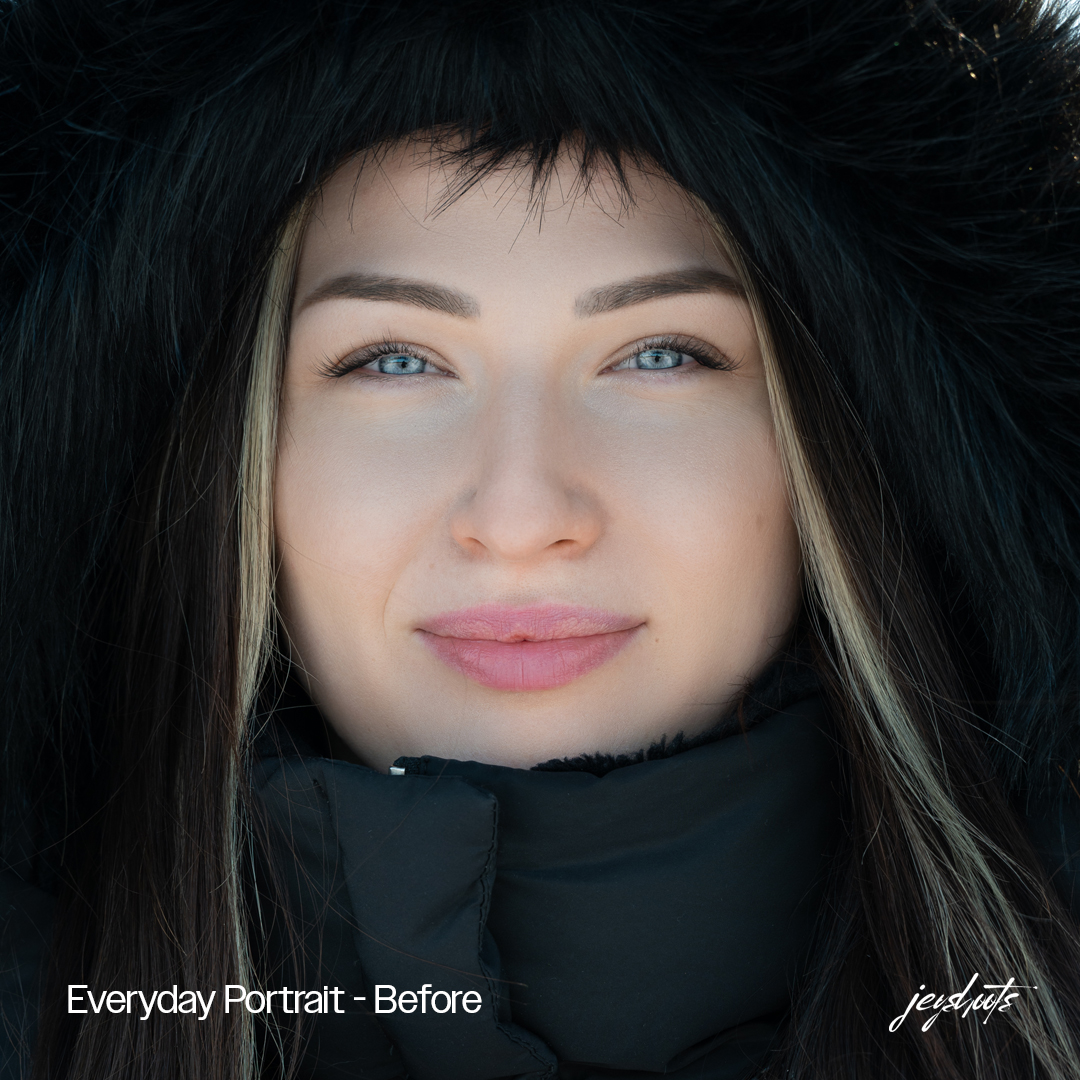
Creator's Portrait Preset Pack (Lightroom Presets) / Examples

Different looks. Your own finishing touch.

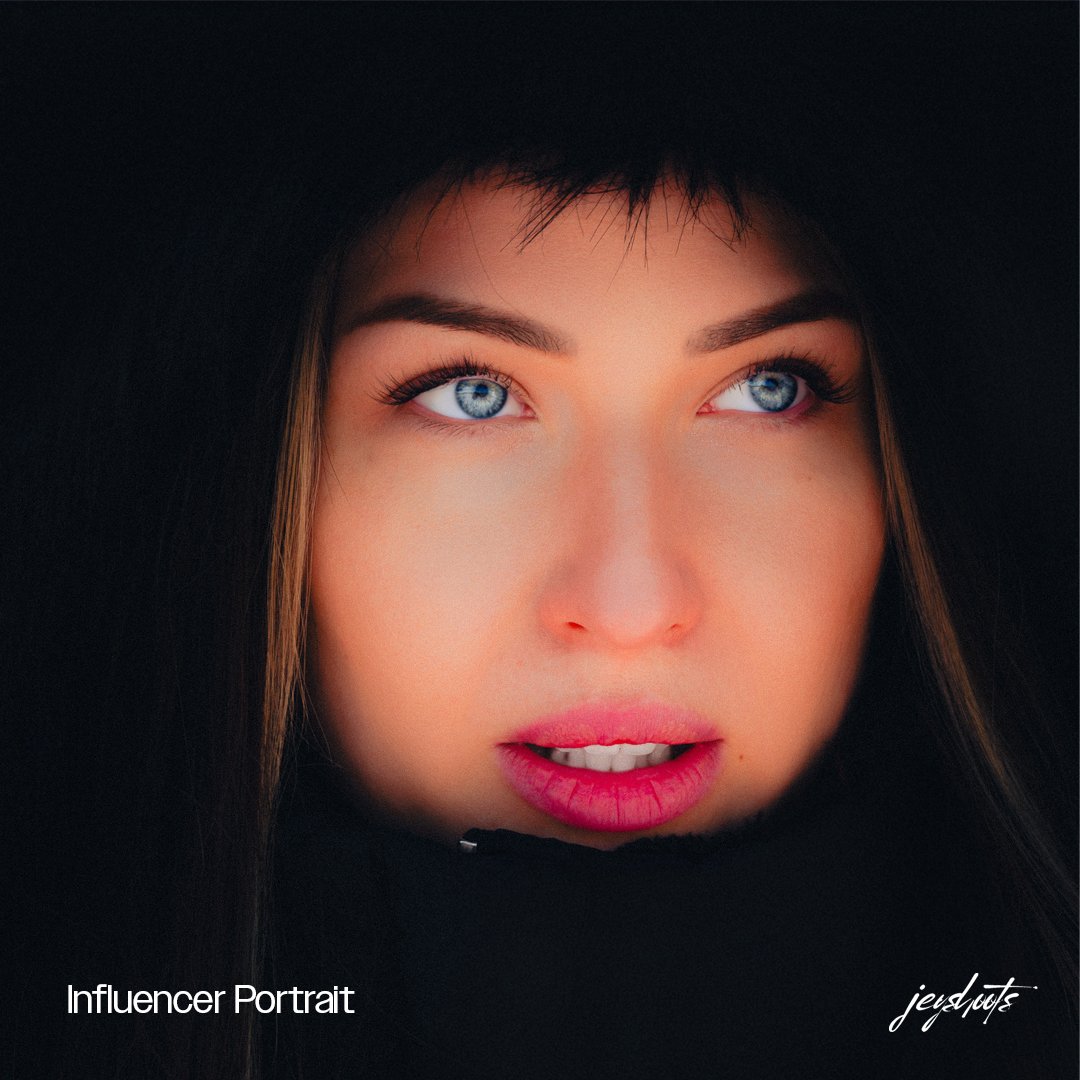
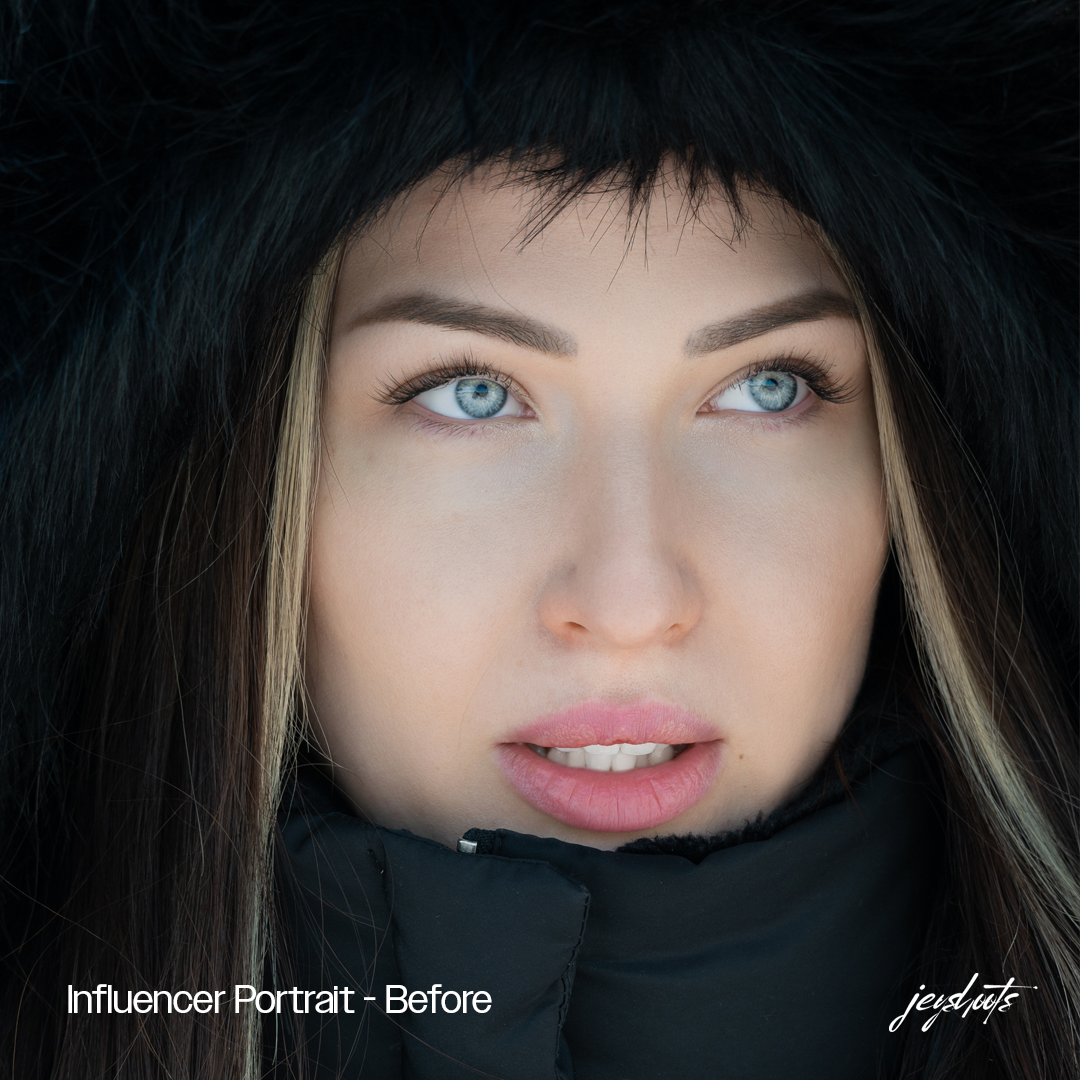
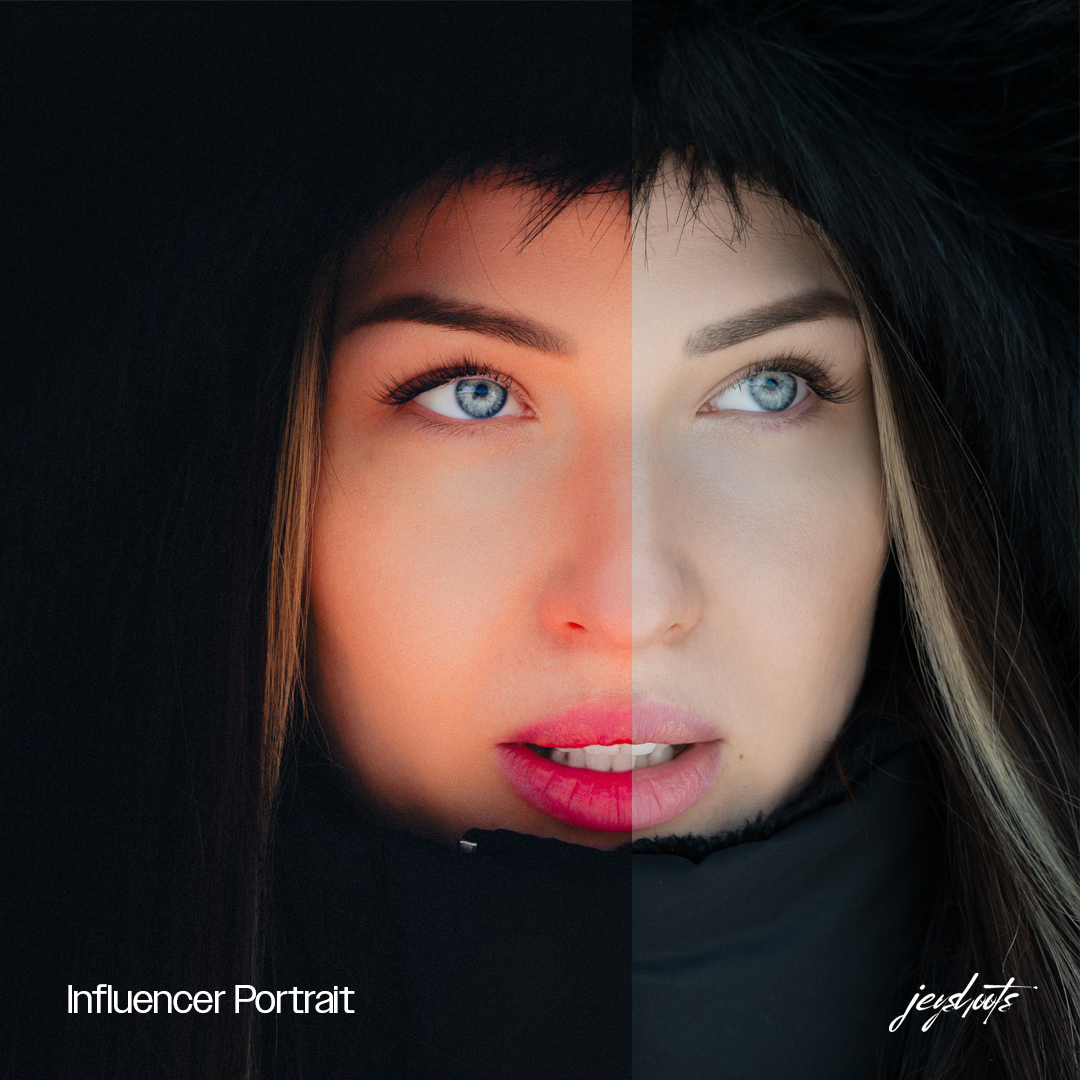
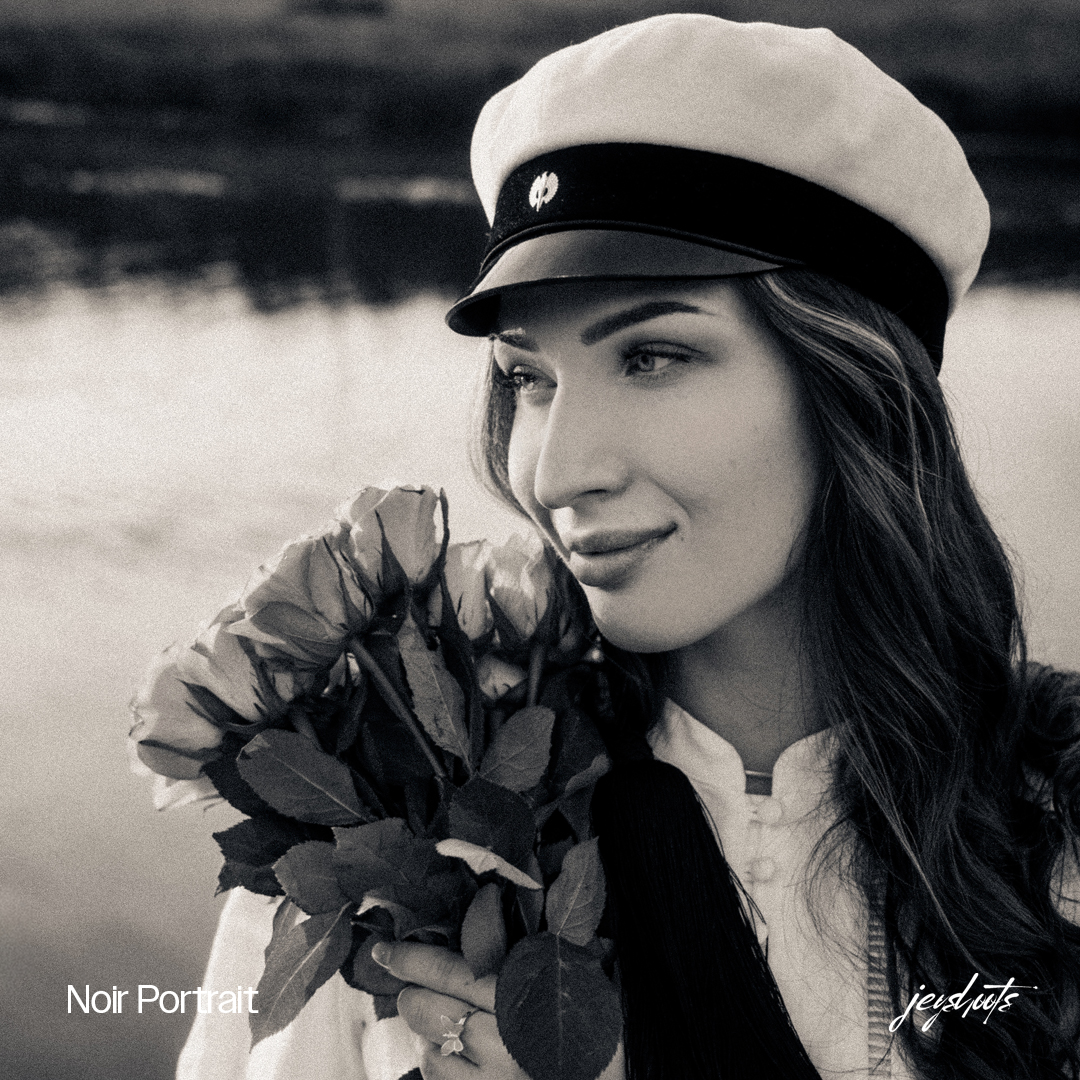
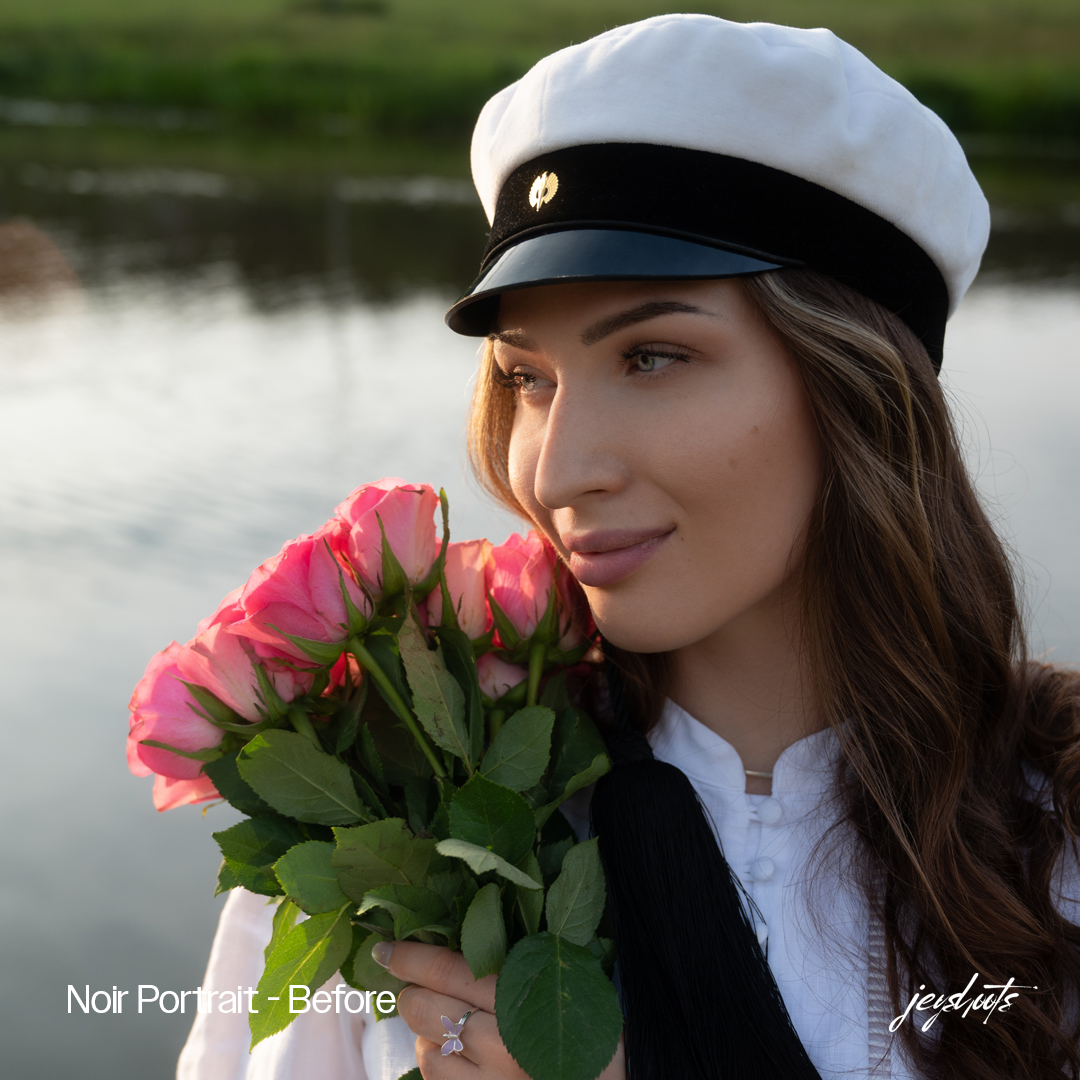
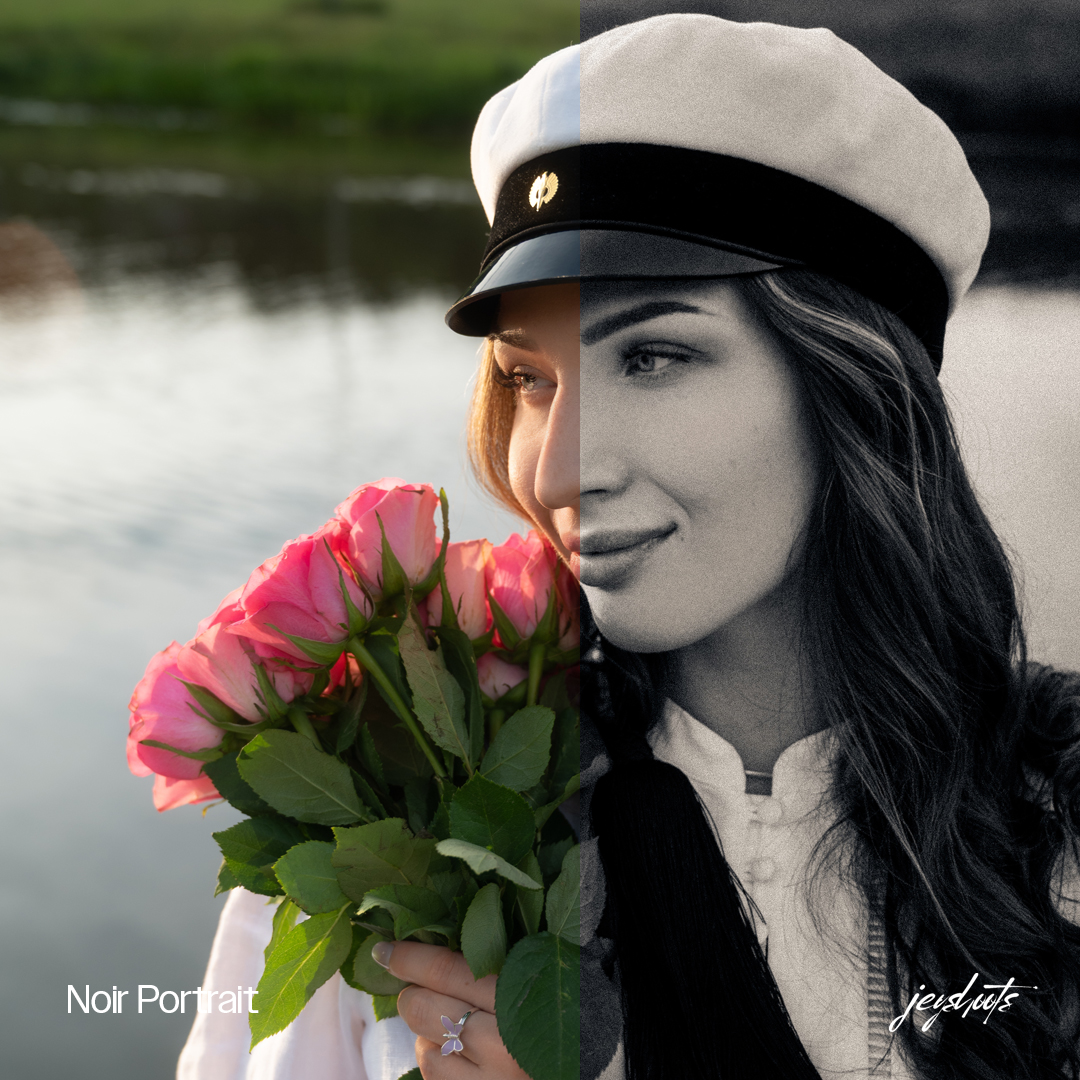
Explore the finished looks alongside the original images and before-and-after comparisons. Light and white balance affect the result: fine-tune the settings to suit your photograph.

Before you start

Installation & common questions.

Who is the pack for?

For portrait, lifestyle, fashion, couples and wedding photographers, as well as creators looking for a consistent starting point for their edits.

What is included?

Six Lightroom presets as a digital download. Full product details, files and purchasing are available through the Fourthwall store. The Lightroom application is not included.

How do I install the presets in Lightroom Classic?

1. Download the pack from Fourthwall and unzip the file. 2. Open the Develop module in Lightroom Classic. 3. In the Presets panel, select + and then Import Presets. 4. Select the downloaded preset files and import them. Keep Lightroom up to date and check the instructions included with the download.

Can I use the presets on mobile?

The pack is designed for Lightroom on desktop and mobile. Download and unzip the pack first. In Lightroom on mobile, open a photo, go to the Presets panel and choose Import Presets from the options menu. Select the extracted preset files. Menu names may vary by app version and language.

Will a preset look the same on every photograph?

Light, exposure, white balance and the colours in the original photograph all affect the result. A preset provides a starting point: adjust exposure, white balance and intensity as needed for your image.

Where do I get the download and purchase terms?

Payment and digital delivery are handled through Fourthwall. The pack is available to download after purchase. Check the final price, available currency, usage rights and delivery and refund terms on the Fourthwall product page and at checkout before paying.

Your next edit

Find your starting point.

Creator's Portrait Preset Pack (Lightroom Presets)